
Template library
Business app templates
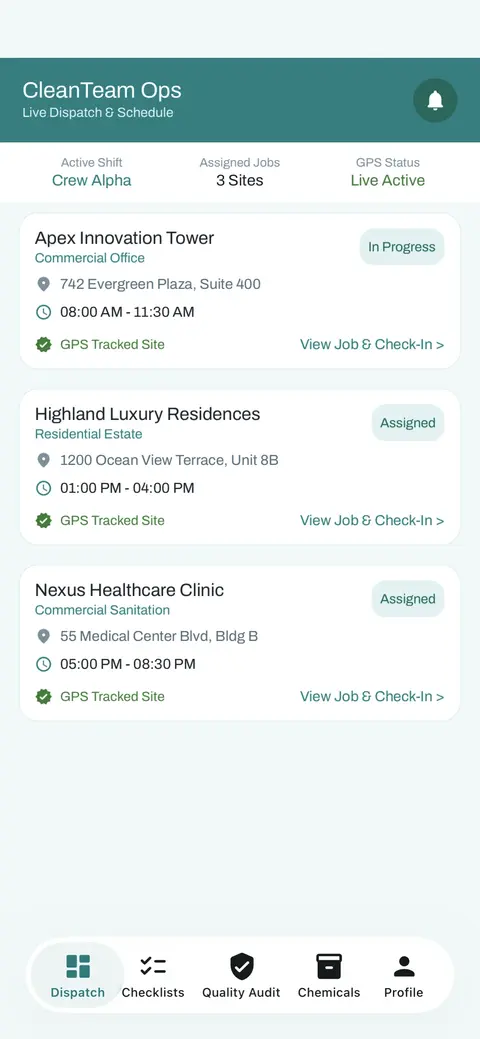
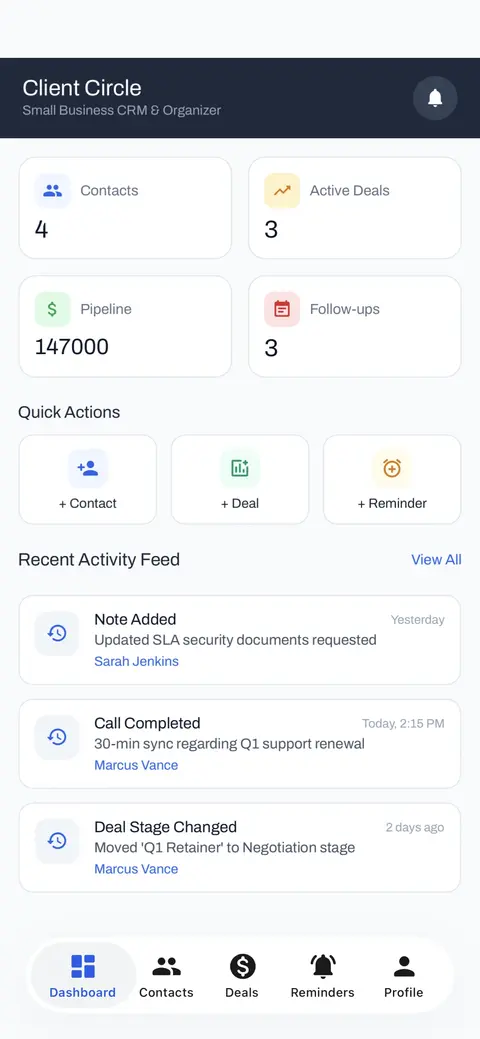
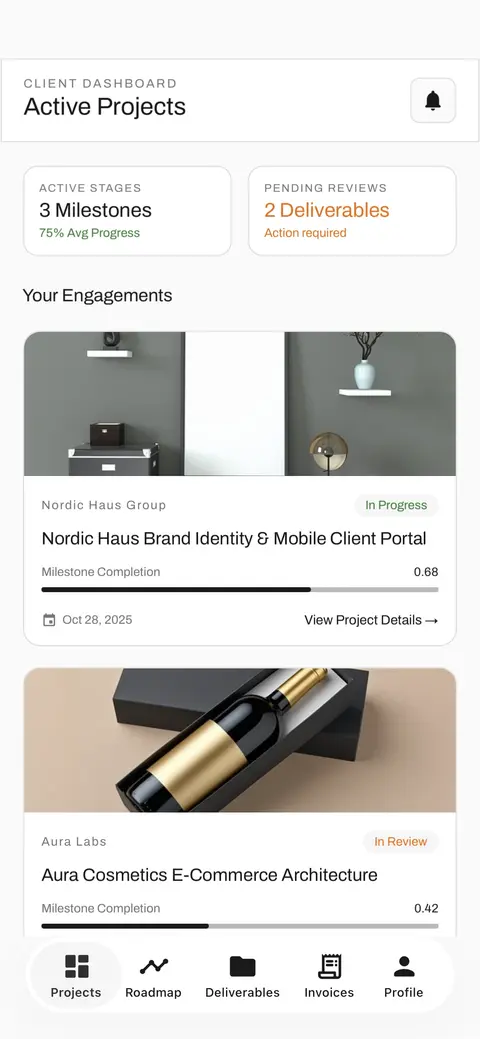
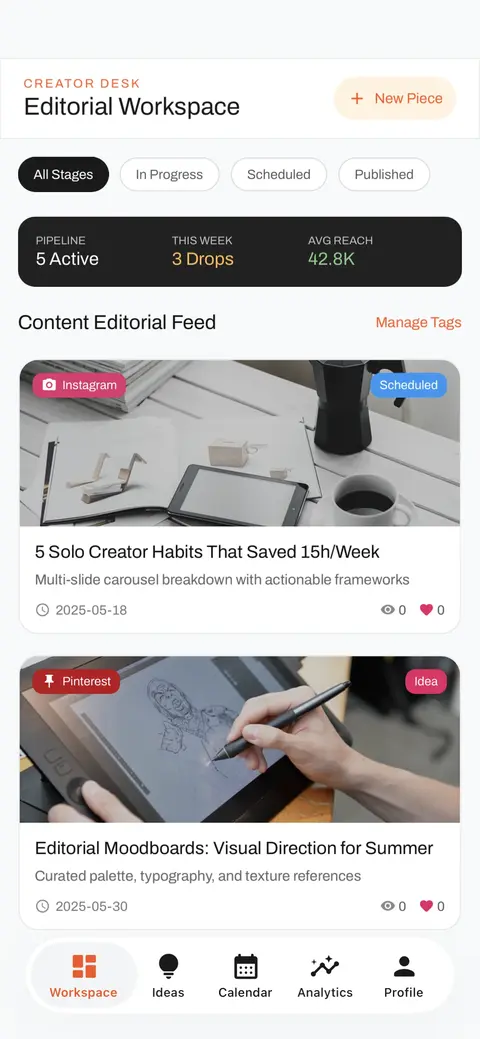
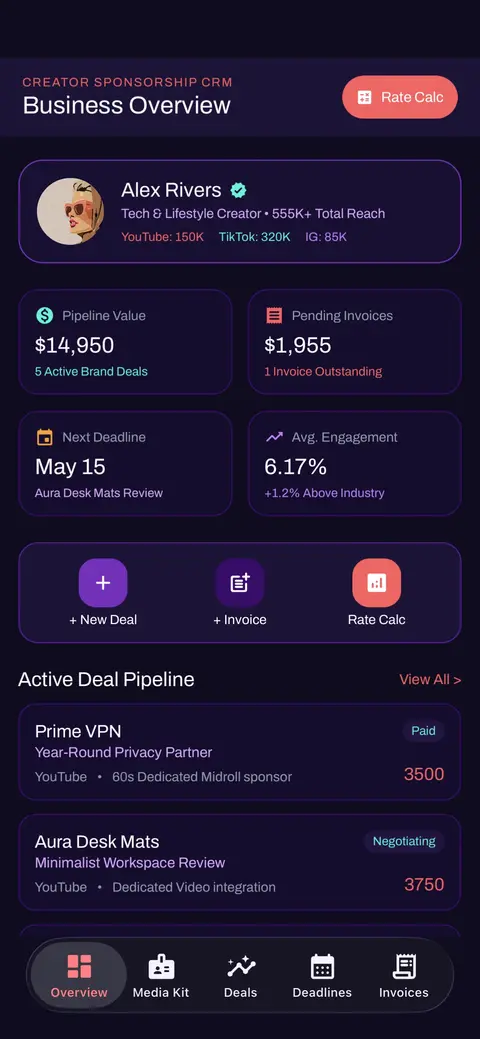
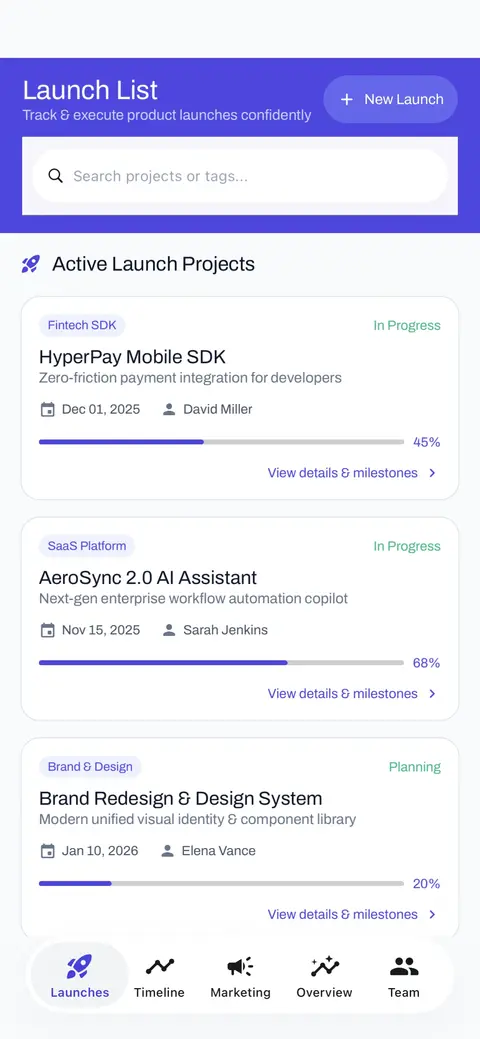
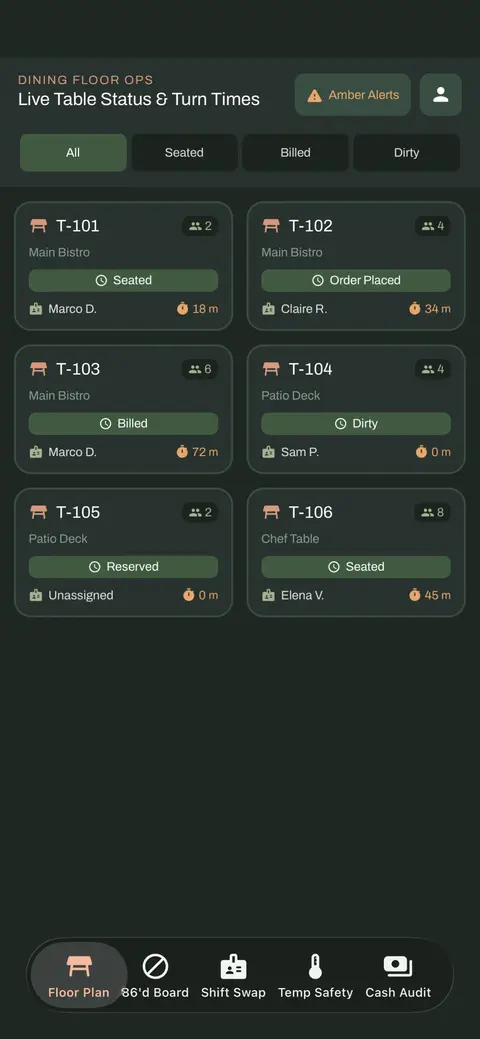
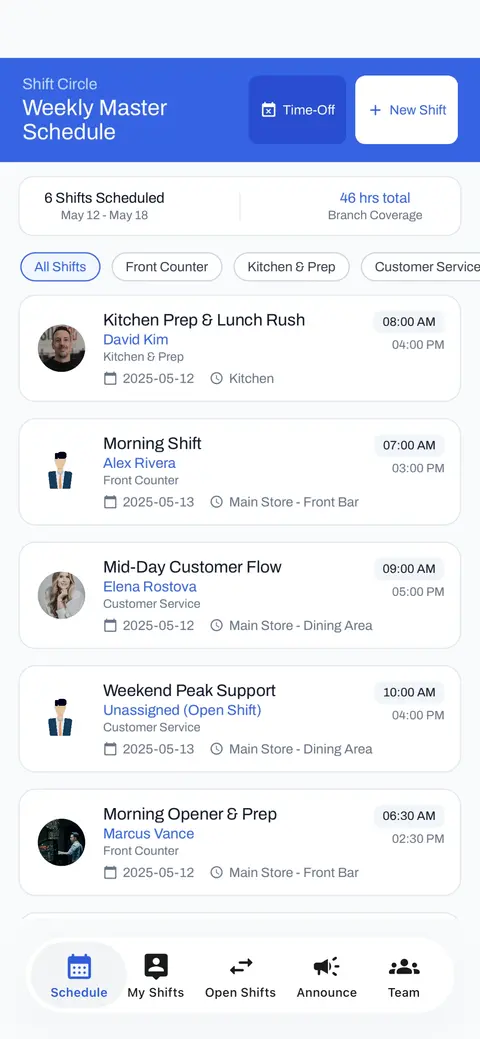
Tools for teams, clients, bookings, operations and planning. Open one in the editor and wire it to your own Firebase project. Every template here opens in AppMare's full editor, where you can change it by hand or ask AI to change it, connect your own Firebase project and publish to the App Store, Google Play and the web.
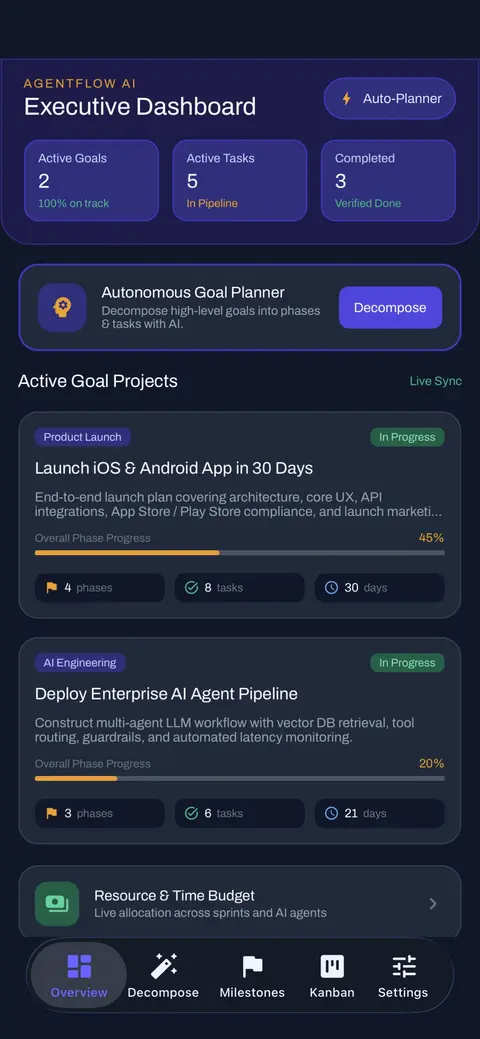
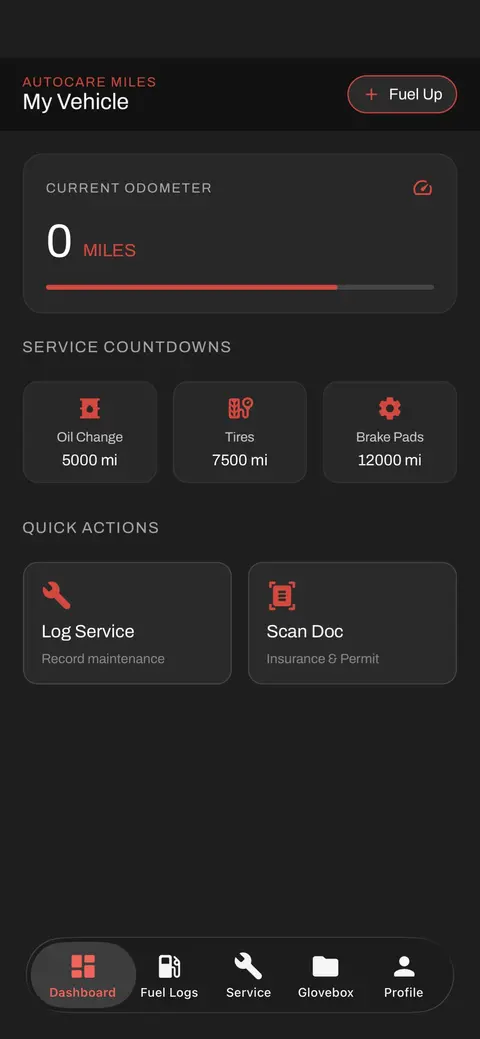
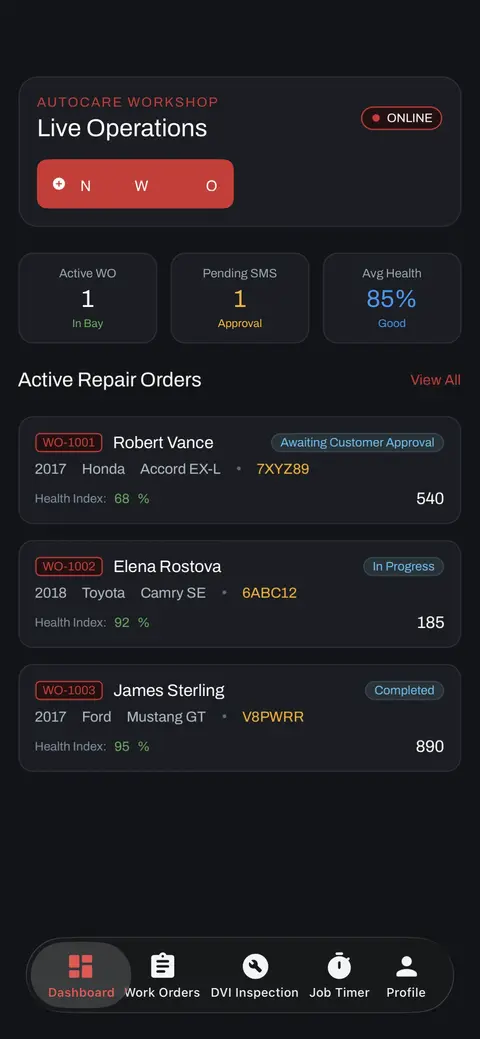
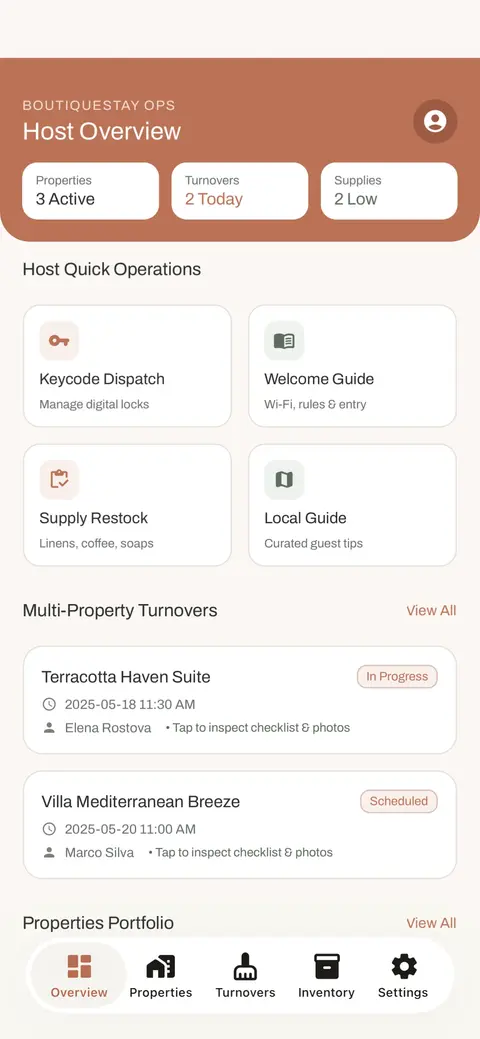
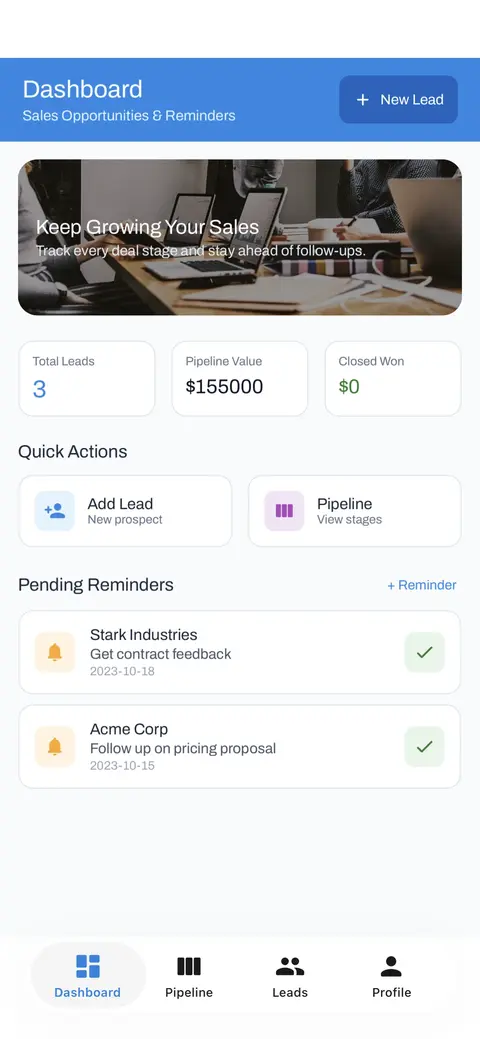
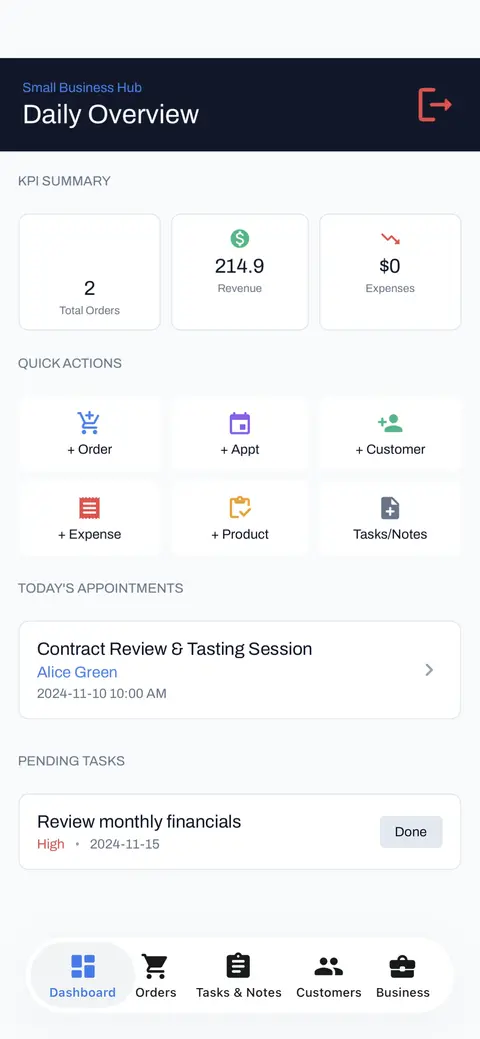
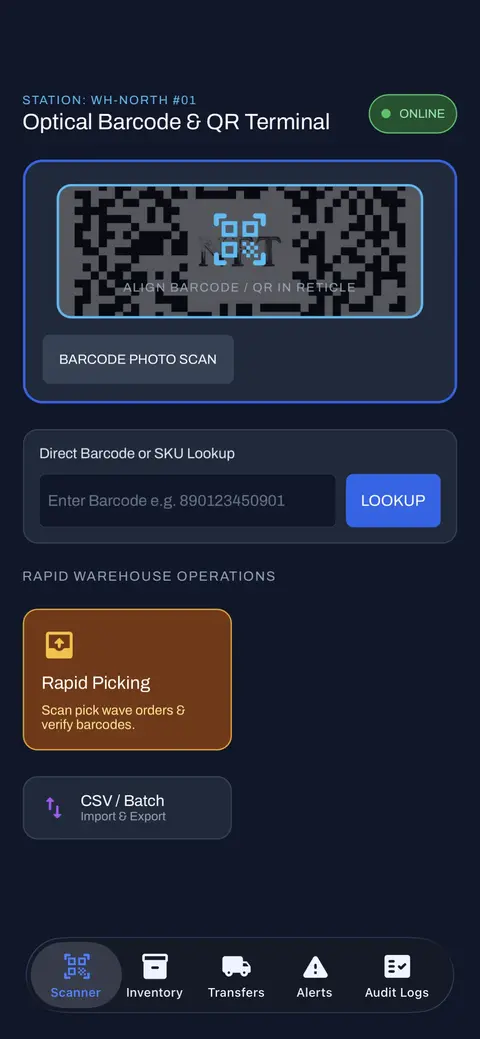
Screens you'll find in these templates: Dashboard, Overview, 86'd Board, Checklists, Contacts, Decompose.
15 business templates
From template to your own app
- Preview it live. Every template runs in your browser before you sign up.
- Open it in the editor. Change pages, controls and styles, wire Actions to events, or describe the change to AI.
- Connect your data. AppMare sets up your own Firebase project: Realtime Database, Authentication, Hosting, notifications and Analytics.
- Publish. Build for the App Store, Google Play and the web from the editor. Pro adds macOS, Windows and Linux.
Prefer to start from an idea? Describe your app to AI instead. Building with Claude or ChatGPT? Use the AppMare MCP server.